Showing posts with label Captivated Visions. Show all posts

Wednesday, February 9, 2011

Goals and a Favorite Photo(s) -- Day 13 & 14 of Bloggity Blog Challenge...

Hey all... I'm sick!  Ick!  But, starting to feel a bit better... and since I seem to have a post every other day.. .here I am... Almost halfway there in my ScrapMatters Bloggity Blog Challenge with some wonderful scrappy ladies!

Goals...
Trying to be on the simple side of things, I will make this one short and sweet!  I want my family to be happy, healthy, and as we all grow, to become better people.  Share our knowledge, share our happiness, and never stop learning!  If we are happy, then we will project that out into the world we live in.  Be true, be honest, and be yourself.

Favorite Photo...
There are way too many.... but I will share a couple of layouts that I scrapped with favorite photos... I , of course, have to show you two... they are my little boys!  I truly love that they will smile for the camera and right now, Colin's interest in pictures is so funny!  You take a pic, and he runs over wanting to see the picture on the screen.  Both boys love to actually take the pictures too, so I think I might have some budding photographers!

Favorite Photo of Colin.  I love the way I treated the photos, and how the layout had turned out.  It was a scraplift challenge at Scrap Orchard, and I scrapped a layout by Caits.  It uses a kit by Captivated Visions, Field of Dreams page kit. I absotutely LOVE Rachel and Captivated Visions, and tried for her CT... sadly, didn't make it back then.  I hate setting myself up for rejection, so we will see if I try again... but this awesome photo and page was created using her goodies and I LOVE IT!  lol!

Captivated Visions: Field of Dreams Kit
Sugarplum Paperie: Canvas Journaling Spots
Ali Edwards: Little Bit of Messy Photo Brushes
Font (by bottom flower) is CK Ali
Based on Layout by Caits, Gracie Girl and Template by nzingha
Favorite Photo of Shayne. Shayne is my older son, and loves to jump around, run like a crazy kid, and just be happy!  I loved this photo (it is a couple years old), just because of the setting, hanging on the fence, and a slight smile!  He may not be looking at me, but I love that cute little face!!  I used Jennifer Fox and Jenn Barrette's Splendiferious kit! Awesome colors, patterns, and a all around great kit!

Splendiferious by Jennifer Fox Designs and Jenn Barette
Wooden Alphabet by Katie Pertiet
For LDrag's Tuesday Template 09-14-10 at ScrapMatters
There you have it... some simple goals, and a couple of favorite pictures! I'm off to read up on some of the posts that everyone else has done!  So excited to read and learn more about these ladies!  


Have a great day and thanks for visiting!
Jenn (jk703)

Tuesday, November 23, 2010

Double Smouble You Say?!

Hi Everyone!  I'm back to ramble a bit for you! 
I am sure you are as obsessed as I am about Digi scappin?!  I am, and I only really started this past March 2010!  I have sure learned a lot!  I started out as a paper scrapper, and card maker, and then had kids!  No time to scrap and no time to clean happened... I'm sure some of you were in the same predicament!  

Anyhooo.... I decided to try digital, and then started wondering why it was bothering me a bit!?  I figured it out... I am a traditional scrapper at heart, and love the look of paper pages, as well, and layouts!  By layout, I mean the double layout!  

I learned that I like to make double layouts and I think in the long run it will work nicely when I get to printing that book I've been working on!  I thought I would just share a  fun tip from when I scrap my double layouts! 
I make my layout 24 x 12 and then I have a couple of guides set up at the 1/2 mark on the edge of the pages!  I use guides so I don't always have to wonder if something is going to get cut off in the printing process later on down the road. It looks like this:


The above picture is missing the middle guides at 11.5 and 12.5 on the inner edges.  Sorry about that!

When I make a double layout, I first start with my paper stacking, and then move upward in the layers area!  
BUT, I do tend to work on one side heavily with layers, clusters, placement and shadows! That first page is closer to finished than the other, but also saves me loads of time.  By doing this, I can then copy and paste many of the elements I like on page 1 side onto the side of page 2.  I can also group various layers, and duplicate them! Then when adding to the other side, flip or twist it in a way so it looks different!  BY doing this, I'm saving time not having to re-seize, shadow, or even some clustering!  

I also tend to save my layouts as double layouts.  I don't save each side individually.  I figure that if I need to make changes, it is easier to locate both pages together!  Also, I plan on shrinking my layouts (that is everything BUT the Background) by 10% before uploading to make sure nothing gets cut off when printed!  Just an idea!

Another time saving tip for me is templates!  I am a big fan, and I use them tons!  But how do you use a template for a double layout?  Well, if I use it as is for the first page, and I want something similar, then for the second flip it, mirror it, or just use something from it as a starting point, and mix it up to make that second page!  Many of my paper layouts were mirror images in terms of design... it just changed with what was actually included on the page!  

And remember to trim the excess of your files to save space!
Post created by me, and posted at Geek Chic Scraps: Here!

An example of my recent Double Layout:


Click on the Double for a Larger Version:


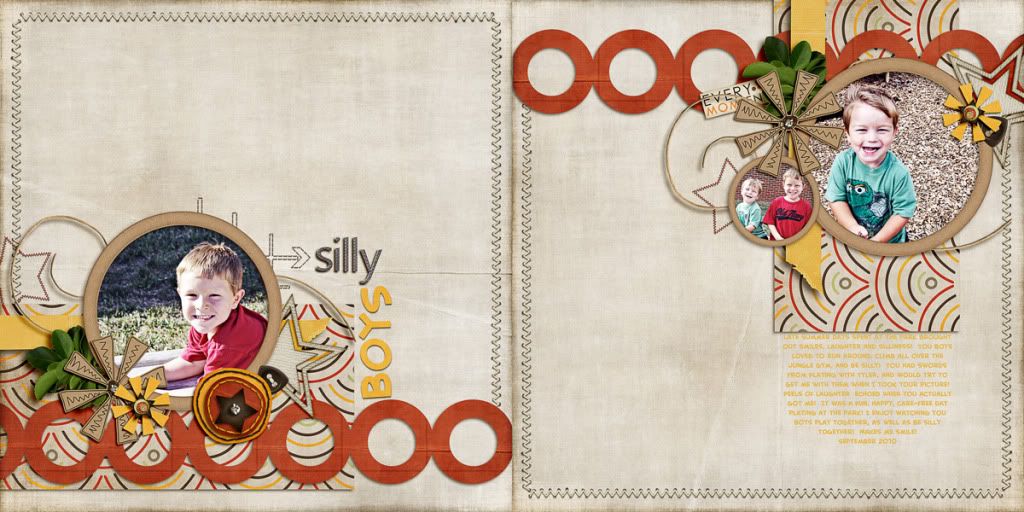
Captivated Visions -- It's About Him Kit
GG Digital Designs -- Clip Its 2
Font is Creative Block BB

Thanks for stopping by, checking thing out, and reading up!  I hope you all (who celebrate) have a great Thanksgiving!

Jenn
(jk703)

Saturday, November 20, 2010

November 2010 Layouts... I've been busy!!!! :)

Here are some layouts that I created this month!  :p

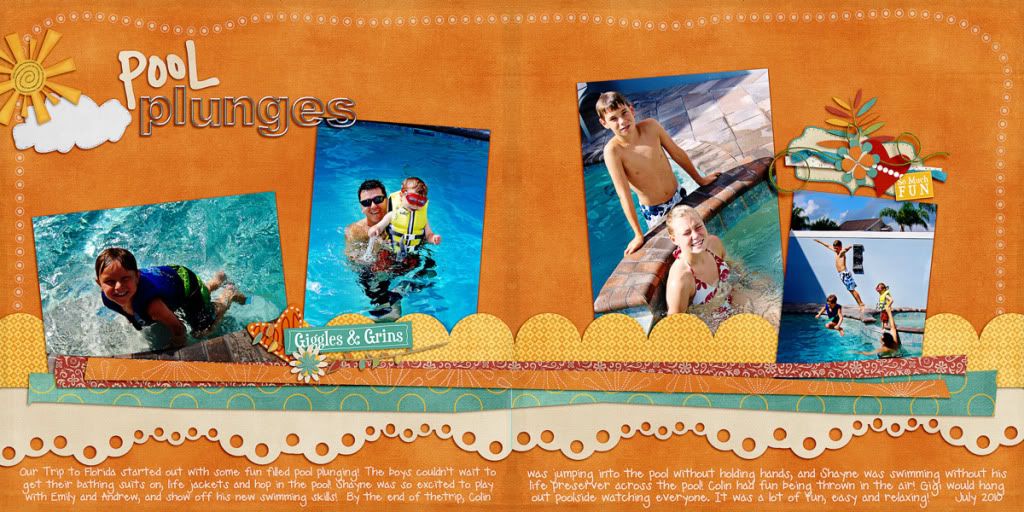
Using Jennifer Labre Design goodies and Fiddle Dee Dee Shape Templates:
Double Thumbnail... click for the larger two pager:
TDC_FDD_Edgers_JLD_Color_PlungeDbl

P1
Photobucket

P2
Photobucket


Using Geek Chic Scraps's Twinkle -- part of the November Daily Digi Files found HERE
Double Thumbnail...click for larger two pager:
Photobucket

P1
Photobucket

P2
Photobucket

Using designs from Tracy Stroud, Designs by Ziska, and Ziggle Designs:
Photobucket

Using Captivated Visions and Stolen Moments, Second Spring:
Double Thumbnail... click for larger two pager:
Photobucket

P1
Photobucket

P2
Photobucket

and last but not least.... using Collab Goodies from Studio Gypsy and Studio True Blue.
Photobucket